Why ad platforms cannot see the join
Ads Manager reports impressions, clicks and cost per click. Telegram reports a member count. Between the two there is no shared identifier: the ad platform loses sight of the visitor once Telegram opens, and Telegram does not know which ad the person saw. Telegram's own channel statistics show growth by day and, for larger channels, broad sources such as "links" or "search", never an ad or a creative.
A standard invite link makes this worse, because it is the same for everyone who uses it. If one link appears in three ad sets, a newsletter and a partner's post, every resulting join looks identical in the member list. Illustrative case: a group gains 140 members in a week. Ninety may have come from one Instagram ad set, thirty from a partner's post and twenty from people forwarding the group link. Without that breakdown you cannot decide whether to scale the ad set, how to credit the partner, or whether the paid members stayed.
Tracking joins from ads closes the gap at the point of entry: every ad click gets its own record and every visitor their own invite, so each new member can be looked up rather than guessed, and everything that person does afterwards is credited to the same campaign, ad set and ad.
The invite link options Telegram gives you
Telegram admins can create additional invite links beside the main one. Each can have a name, an expiry date and a limit on how many people it admits, or it can send people to a join request. These options are the building blocks of every join tracking method:
- The main link. One link for everyone. Telegram cannot tell you which ad a member saw.
- A named link per campaign. Telegram's link list shows how many people joined through each one. That separates campaigns, but not the people within them, so a later deposit still cannot be traced to an ad set or creative.
- A single-use link per visitor. A link that admits one person identifies that person's click exactly, and Telegram reports the invite link used with each join, so the match is a lookup. This is the method Tellmetric uses, with your bot creating the link automatically for every click. Nothing is inferred from timing or IP addresses.
How a per-click invite works
- The ad points at a Tellmetric tracking link that opens your group or channel. When someone taps it, the click is recorded with the platform's click id, IP address, user agent, country, UTM parameters, sub-ids and the campaign, ad set and ad ids passed in the URL.
- The link sends the visitor to your bot with the click id in the start parameter. When they press Start, the bot creates an invite link that admits one person and expires after 24 hours if unused, and stores it against the click. With direct join switched on for the link, the visitor skips the Start step and the single-use invite opens the group or channel straight away.
- The bot replies with a join button holding that invite. The invite is named after the tracking link's code, so it is also recognisable in Telegram's own list of invite links. The message and the button's label are yours to write under Integrations → Telegram, and {name} adds the person's first name; left blank, the bot sends a short default in the visitor's Telegram language.
- When the person joins, Telegram tells the bot which invite was used. That invite belongs to exactly one click, so the join inherits the click's campaign, ad and identifiers.
If the person joins some other way within 24 hours of starting the bot, for example through the group's main link, the join is still matched through that bot start. Joins with neither are recorded as unattributed. People without Telegram installed see Telegram's own download page and can open the tracking link again afterwards to receive a fresh invite.
One-tap join or request to join
A public group or channel lets people join with one tap. A private one can turn the tap into a join request that an admin, or your bot, approves. Both work with per-click invites; the difference is when the join is counted:
- One-tap join. The join is recorded the moment Telegram reports it, usually within a second of the tap.
- Request to join. A request is not a join. The join is recorded when the person is admitted, through the invite it came with or the person's recent bot start. If approval takes a day, the member is still credited to the right creative; only the timestamp moves, and the wait is not held against the ad.
By default requests wait for your admins, so manual screening keeps working. Turn on "Let the bot approve join requests" under Integrations → Telegram if you want the bot to admit everyone, which keeps the count immediate. If you screen new members by hand, also turn on "People from your links ask to join": the bot's personal invites then create a join request too, instead of letting people in at once, and the join is attributed to the click when you approve it. To give Meta a signal before you approve anyone, turn on "Send join requests to your ad platforms": each request is sent at once as SubmitApplication, and the join still follows on approval.
Request-to-join channels are popular with advertisers because they keep bots and scrapers out and give you a moment to send a welcome message. They cost one extra tap, which some visitors never make, so compare the two settings on the same creative before deciding.
Groups, channels and bots
- Groups. A join is a new member. The bot needs admin rights with permission to invite users, both to create invites and to receive join updates.
- Channels. A join is a new subscriber. Channels accept bots only as admins, so there is no member-only mode, but the bot needs just one right: inviting users through links. No other right is required.
- Bots. Nobody joins a bot. The equivalent outcome is a conversation, so use a tracking link that opens a chat with your bot; the first message is recorded as a DM, counted once per person per day, and reported to Meta as Contact. Telegram bot analytics covers that funnel.
Each workspace connects one bot. Free tracks one group or channel; Pro and Agency track up to five per workspace, and each tracking link opens the one you pick for it. Agencies with separate clients use one workspace per client; the Agency plan includes five.
Step by step: tracking joins from an ad
- Connect the bot. Create a bot with @BotFather and add its token under Integrations → Telegram.
- Make the bot an admin. In a group, give it permission to invite users. In a channel, open the channel, tap its name, then Administrators, Add Admin, find the bot and turn on only "Invite users via link". Enter the group's or channel's @username or numeric id under Integrations → Telegram; the connection check confirms the bot can create invite links.
- Create a join link. On the Links page, choose "Your Telegram group or channel", pick the group or channel, and give the link a name. The name becomes the campaign value on every click, so name it after the campaign, audience or creative you want to see in reports. Switch on direct join if you want to skip the Start step.
- Use the link as the ad's destination. Paste the address shown after creating the link into the ad's website URL field.
- Add the URL parameters for your platform. The Links page lists one parameter line for Meta, TikTok and Google Ads. Each platform fills in its own campaign, ad and placement values when someone clicks.
- Connect the ad platform. Under Integrations, add your Meta pixel id and Conversions API token so joins are reported back. On Pro and Agency, connect TikTok, Snapchat, Reddit, Spotify, X or Google Ads as well.
- Optionally add your Meta ad account id on the same Meta page. Tellmetric then imports daily spend and shows cost per join next to each campaign or ad.
- Test with your own click, from an account that is not yet a member: someone already in the group creates no join event, so leave first. Open the link, press Start and join through the invite. The click, the join and the delivery to the ad platform appear within seconds on Test your setup and in the dashboard's latest activity.
Tagging ads so joins land on the right row
The click record stores whatever the ad platform passes in the URL. The results table can then show joins by any of the dimensions below.
| Platform | What the parameter line adds | What you can group joins by |
|---|
| Meta | Source, campaign name, ad name, placement, and campaign, ad set and ad ids | Traffic source, campaign, ad or creative, placement, Meta campaign, ad set and ad id |
| TikTok | Source, placement, and campaign, ad group and ad ids | Traffic source, placement, TikTok campaign, ad group and ad id |
| Google Ads | Source, network, and campaign, ad group and creative ids | Traffic source and placement; the ids are stored on each click and exported with it |
| Any platform | Your own utm_source, utm_medium, utm_campaign and utm_content values | Traffic source, channel, campaign, ad or creative |
The redirect also stores the platform's click id when one is present, such as fbclid, ttclid, gclid or ScCid. Click ids are what the ad platform later uses to match the join to its own ad. Telegram attribution covers naming conventions and UTM tagging in more depth.
Paid, partner and organic growth
A group usually grows through several routes at once. Give each route you control its own tracking link, and treat everything else as a baseline:
- Paid ads. One link per campaign or ad set, with the platform's URL parameters added.
- Partners and creators. One link per partner, so their joins appear under the link's own campaign name, separate from your ads.
- Your own channels. A link for your newsletter, website or another channel, tagged with its own source.
- Everything else. People who join through your main invite link, a forwarded message or Telegram search have no click behind them. They are recorded on a row labelled "No campaign tag", which serves as your organic baseline. If those joins keep growing while ads are paused, organic reach is doing the work.
Facebook and Instagram ads to a Telegram group
Meta is the most common source of paid joins: it reaches people by interest, behaviour and lookalike audience across Facebook, Instagram and its other placements, and once people are in your group there is no feed algorithm between your posts and your members. Signal and analysis groups, communities attached to a course or membership, deal channels and product support groups are all built this way. A few campaign choices decide whether the joins are worth having.
- Objective. Meta's messaging destinations cover its own apps, so a campaign that sends people to Telegram uses a website destination. Traffic optimises for link clicks, which rewards people who tap rather than people who join; use it only until join events are arriving. Leads with a website conversion location lets you optimise for CompleteRegistration, which is how a join is reported by default. Sales lets you optimise for Purchase once deposits from members are reported regularly enough for Meta to learn from them. A common path is to start on the join and move to Purchase as deposits accumulate.
- Destination. Use the tracking link as the website URL, and paste the parameter line into the ad's Tracking section. On the Agency plan, links can run on your own domain. A landing page in between is optional: it gives you room to explain the group and lets the tracker.js snippet add Meta's browser id to the click, while a direct link has fewer steps.
- Copy. Say that the button opens Telegram, so people are not surprised by the app switch. Promise what the group delivers: if the ad shows daily analysis, the first posts a new member sees should contain it, and pin a message that tells newcomers what to do first. A gap between promise and content shows up as a low join rate or early leaves.
- Placements. Instagram and other placements run inside the same campaign, and the placement value in the URL parameters lets you compare them in the dashboard.
- Policy. Meta reviews ads and their destinations. Financial products, crypto and gambling fall under restricted categories that may need authorisation and differ by country. Check Meta's current policies for your offer and markets before launch. Tellmetric measures and reports conversions; it does not change how Meta reviews your ads.
For a first test, change one variable, audience or creative, and keep the other fixed. Give each audience its own ad set and each creative its own ad, split the budget evenly so cost per join is comparable, and let each ad set produce a meaningful number of joins before moving budget. Meta ads to Telegram tracking covers reading Meta's own reports for these campaigns.
The numbers that show which ads work
- Joins per campaign, ad set and ad. The basic count, broken down to the creative.
- Join rate. Joins divided by clicks. It measures how well the ad's promise matches the group; a low rate points at the step between the ad and Telegram, or at a request-to-join step visitors abandon.
- Cost per join. Spend divided by joins, the paid-growth equivalent of cost per acquisition. For a channel, it is cost per subscriber.
- Members who stay. Members still in the group or channel after the number of days you set under Integrations → Telegram, and cost per retained member. Channels fed by ads often lose a large share within the first day.
- What happens after the join. Messages and deposits from the same members, so inexpensive joins that never lead anywhere are not mistaken for strong results.
Reading cost per join in the dashboard
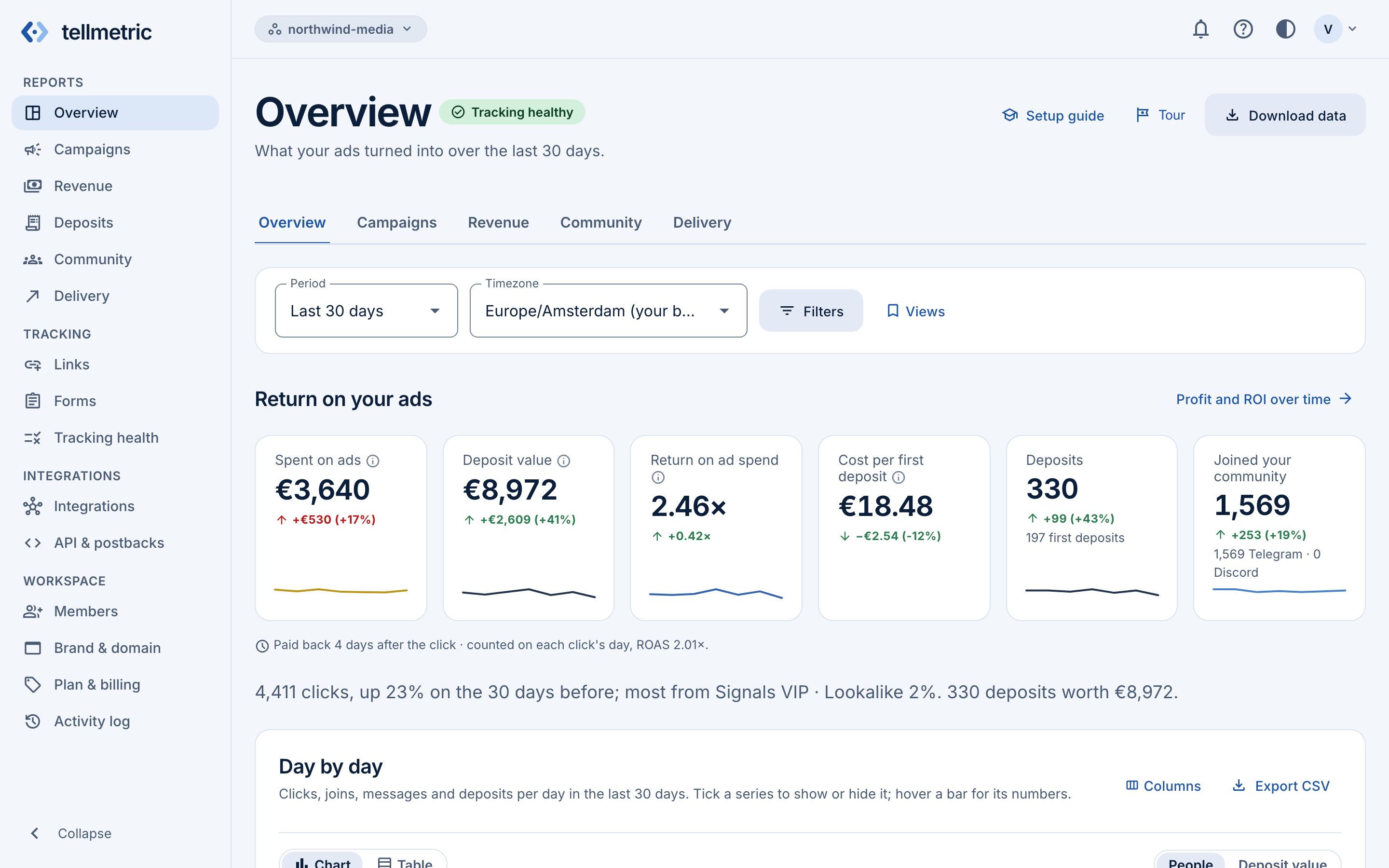
The dashboard covers the last 7, 14, 30 or 90 days and can be filtered by campaign, source, link or country. Headline numbers show clicks, joins, messages, deposits and deposit value with the change against the previous period, and the trend shows which days a campaign or partner post moved them. The results table shows clicked, joined, messaged, deposited and deposit value per campaign, traffic source, ad or creative, channel, placement, country, or Meta and TikTok campaign, ad set and ad id.
With a Meta ad account connected, spend is imported per day at ad level and refreshed several times a day. It is matched to rows by Meta campaign, ad set or ad id, or by campaign and ad name when you use Meta's name macros, and matching rows gain spend, cost per join, cost per deposit and return columns. This works on every plan. Spend import covers Meta and Google Ads; for TikTok and the other platforms, export the results table as CSV and divide each platform's reported spend by the joins Tellmetric recorded for the same rows and period.
The group panel shows the members your bot has seen and who joined, left or was removed today, with recent changes exportable as CSV. Its member count only includes people whose membership changed while the bot was watching, so it can be lower than the total Telegram shows.
Illustrative example: cost per click versus cost per join
Illustrative figures. Three ad sets each spend €300 in a week. Ad set A receives 1,000 clicks and 400 joins; B receives 750 clicks and 150 joins; C receives 1,200 clicks and 300 joins. By cost per click, C is cheapest at €0.25, then A at €0.30 and B at €0.40. By cost per join, A is cheapest at €0.75, C costs €1.00 and B costs €2.00. Join rates are 40%, 20% and 25%. Judged on clicks, budget would move to C; judged on joins, it moves to A, and B should be reviewed or paused.
Member quality: leaves, retention and deposits
A join is only useful if the member stays. The bot sees members leave or get removed as well as arrive. Each leave is stored with its reason as a negative event for your own reporting and is never sent to an ad platform as a conversion; it only lowers the retained count. For net growth, compare joins over a period with the joined, left and removed counts in the group panel: a week where joins rise but leaves rise faster is a week of churn, not growth. A wave of leaves after a new creative goes live is a signal about its promise.
The most reliable measure of a source's quality is what its members do after joining. Because each join keeps its click's attribution, and a deposit reported with the click id inherits the same attribution, the results table shows clicks, joins and deposits side by side for each campaign, ad, placement or country. On Pro and Agency, member value groups people by the week they joined and adds up the deposits they make afterwards, whenever those deposits arrive, so a week of joins that looked expensive can turn out to be the most valuable. Member value covers the whole workspace; to compare campaigns, use the results table. Reporting deposits is covered in how to track Telegram deposits.
Illustrative example: same growth, different value
Illustrative figures. Two ad sets each spend €1,000 in a week and each deliver 200 joins, so both cost €5.00 per member and look identical in a growth report. Over the following month, deposits reported with the click id are credited to the original campaign: €2,400 in deposit value for the first ad set and €300 for the second, a return on spend of 2.4 against 0.3. The member count is the same, but only one of the two is worth scaling.
A weekly review
- Check the join rate against the previous period. A sharp drop usually means a new creative or audience is attracting people who do not follow through.
- Open the results table by campaign, then by ad or creative, and rank rows by joins, by retained members and by deposits. The rankings often differ.
- Read deposits per row, and on Pro and Agency the member value table for older join weeks, where deposits have had time to arrive. Recent join weeks look weaker than they turn out to be.
- Move budget towards rows with deposits, not towards rows with the lowest cost per join.
Reporting joins back to the ad platform
Each attributed join is delivered with the click's identifiers and a stable event id, so a retry is never counted twice. Meta receives it through the Conversions API as CompleteRegistration by default, with the fbc built from the click id, hashed identifiers, IP address and user agent; the mapping can be changed per workspace, for example to Lead. Meta can then credit the join to the ad and use it as an optimisation event, so delivery shifts towards people likely to join rather than people likely to click. Deposits reported later are sent as Purchase with value and currency, which allows optimisation for paying members.
On Pro and Agency, TikTok receives a join as Subscribe, Snapchat as SUBSCRIBE, Reddit as SignUp, Spotify as SIGN_UP and X as the event you choose for joins. TikTok and X need their own click id on the click; Snapchat, Reddit and Spotify can also match on IP address. Google Ads receives deposits, first deposits and purchases only, never joins. The retained-member signal goes to Meta and Reddit only.
Joins that cannot be matched to any click are recorded for your reports but not sent, since they carry nothing an ad platform could link to an ad. For delivery details, see Meta Conversions API for Telegram.
You are responsible for telling your members that joins and messages are counted for advertising measurement. Integrations → Telegram has a ready-made notice in English, Russian and Spanish to pin in your group: see Tell your members.
Edge cases worth knowing
- Forwarded invites. A personal invite admits one person. If the visitor forwards it before using it, whoever uses it first is credited to that click. Once used, the link admits no one else.
- Expired invites. An unused invite expires after 24 hours. Opening the tracking link again records a new click and issues a fresh invite.
- Existing members. Someone already in the group or channel who taps the ad creates no join, which is correct.
- Leaving and returning. The first join is the one credited to the ad. The leave is recorded, and a return counts as a join again only if it comes through a new tracked link.
- Several campaigns, one group. Give each campaign or audience its own tracking link. Every visitor still gets a personal invite, so joins never mix.
- Paid channels. For a channel that charges Telegram Stars, links hand out Telegram's own join flow and the payment is recorded as a purchase with its value.
- Telegram Ads. Telegram's own ads carry no click id, so attribution is per creative: one tracking link per creative. See the Telegram pixel explained.
Mistakes that obscure results
- Linking ads directly to a t.me invite. No click is recorded, so the join cannot be attributed. Keep the public link out of ads.
- One invite link across ad sets, then trying to split joins by timestamp afterwards. Every join becomes anonymous.
- One tracking link for several sources. Clicks keep their own click ids, but rows grouped by link or campaign mix platforms, or a partner with an ad set. Use a link per platform and per partner at least.
- Leaving out the URL parameters. Joins are then only grouped by the link's name, and you cannot compare ads inside a campaign.
- Not giving the bot the invite right. Without it, the bot cannot create invite links or receive join events.
- Turning on bot approval for a group that relies on manual join screening.
- Optimising for link clicks after join events are available, or judging creatives by click-through rate alone. Differences show more clearly in join rate, retention and deposits.
- Reporting only the join. Without deposit events, the ad platform optimises for people who join but never pay.
- Calling a winner too early. A few dozen joins per ad set is a thin basis for moving budget.
Frequently asked questions
Can I attribute a join to a specific ad, not just the campaign?
Yes. With the Meta or TikTok parameter line in place, the ad id is stored on the click and on every later event from the same person, and the results table can be grouped by it.
Does it work for channels and private groups?
Yes. Private groups and channels are the standard case, because the bot issues the invite. In a channel the bot must be an admin with the right to invite users through links; a new subscriber is recorded as a join, and request-to-join channels count the subscriber when admitted.
Does the join flow change for users?
Users tap the ad, press Start in the bot and tap the join button it sends, or go straight in with direct join. There is nothing to fill in, and you write the message and button label yourself.
Can I see paid and organic joins separately?
Yes. Joins through a tracking link carry its campaign. Joins with no tracked click appear on the "No campaign tag" row. Any link can be a tracking link, so a newsletter or partner post can have its own.
What if someone clicks the ad but joins days later?
The personal invite expires after 24 hours if unused. Opening the tracking link again records a new click and issues a fresh invite. A person who joins later through another route is recorded as an untracked join.
Does this work across several ad platforms?
Yes. The redirect recognises click ids from each supported platform. Give each platform its own tracking link or utm_source so their joins appear on separate rows. Reporting to platforms other than Meta requires Pro or Agency.
Do joins count towards my plan's limit?
No. Plans are metered by tracked users, which are clicks on tracking links. Joins, messages and deposits are not capped. The Free plan includes 1,000 tracked users a month with Meta reporting.